May 3, 2026
Starlink Installation Perth - Complete 2026 Guide
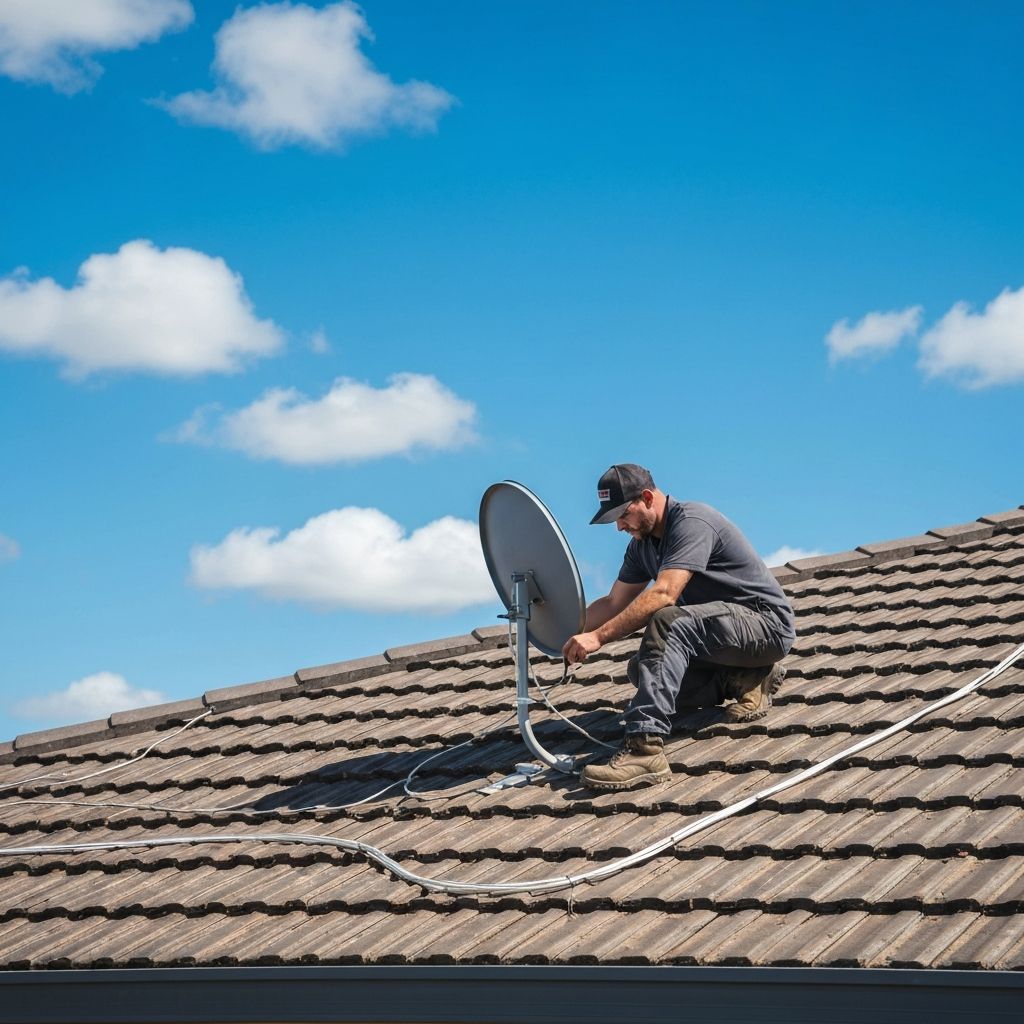
Starlink has gone from "that satellite internet thing for farms" to a proper option for Perth homes that are sick of slow, patchy internet.
If you are in the Perth hills, outer suburbs, a semi-rural block, a coastal spot with ordinary NBN, or anywhere the copper has been giving you grief for years, it is worth a look.
But here is the bit people miss: Starlink is only as good as where it is mounted. The kit can be excellent, the plan can be right, and the app can say everything is fine, but if the dish is half blocked by trees or sitting loose on a dodgy mount, you will still get dropouts.
This guide covers what Perth homeowners need to know in 2026 before ordering the kit, picking a plan, or climbing onto a roof with a drill and a YouTube video.
What changed with Starlink in 2026
Starlink changes pricing and plans more often than most people change TV remotes. As of the current 2026 plan information for Australia, the residential options are roughly:
- Residential 100 Mbps around $69/month
- Residential 200 Mbps around $99/month
- Residential Max around $139/month
Starlink also has Roam options for caravans, work vehicles and travel. The Roam 100GB plan is now the main data-capped travel plan in Australia, with unlimited low-speed data after the 100GB is used.
For homes, the big shift is that Residential Max has been promoted heavily because it can include extra value like a Router Mini, Mini rental and discounted Roam plans, depending on your account and location. Do not assume every offer is available everywhere forever. Check Starlink directly before ordering because the offers move.
The important bit for most Perth homes is simpler: if you only need home internet, the standard residential plans are the ones to compare. If you want travel internet as well, the Mini and Roam bundle options matter more.
Why Starlink makes sense in parts of Perth
In a perfect suburb with clean fibre NBN, Starlink is not always the obvious winner. Fibre is stable, neat and already wired into the house.
But plenty of Perth homes do not have that.
Starlink starts making sense when:
- you are on old copper and peak-hour speeds are rubbish
- you are in the Perth hills with trees, distance or awkward NBN technology
- you are on a large block and need internet where fixed-line options are poor
- your business needs a backup if NBN drops
- you are in Mandurah, the outer metro, semi-rural areas or the South West and the local connection just does not cut it
I see this a lot around Kalamunda, Mundaring, Roleystone, Serpentine, Jarrahdale, Byford outskirts and the South West runs through Bunbury, Donnybrook, Bridgetown and Manjimup. It is not that Starlink is magic. It is that a dish with a clean sky view can beat a tired old line that was never built for what modern homes do online.
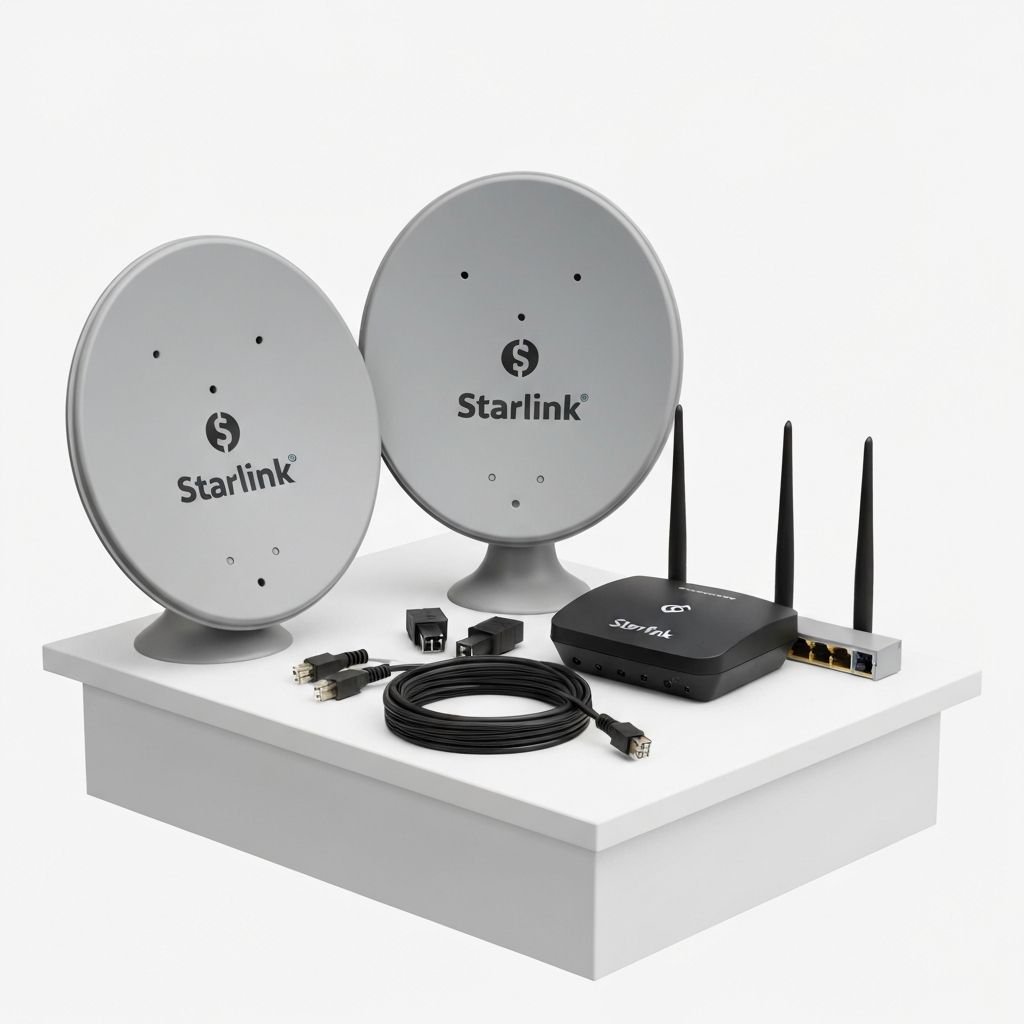
Mini vs Standard kit
There are two broad ways people look at Starlink hardware:
- Standard kit for home installs
- Mini kit for travel, backup and portable use
For a proper home install, the Standard kit is still the normal pick. It is built for fixed home internet, has the larger dish, and suits roof mounting on a house, shed or office.
The Mini is brilliant for camping, caravans and backup use. It is small, portable and easy to move. But if your plan is to run the whole house every day, the Standard kit is usually the cleaner choice.
Where Mini gets interesting is the Residential Max bundle. Some Australian users have seen offers around a free Mini rental and discounted Roam plans. That can be good value if you actually use portable internet. If the Mini will sit in a cupboard, do the maths before paying extra every month.
DIY Starlink install vs professional install
Starlink is designed to be self-installed. If you have a flat, open backyard with no trees and you are happy with a temporary ground setup, you can get online pretty quickly.
The problem is that most Perth homes do not want a dish sitting in the yard forever.
A proper install usually means:
- finding the clearest sky view
- mounting the dish above trees, gutters and roof obstructions
- choosing a mount that suits tile, tin, wall or pole installation
- running the cable neatly into the roof space or wall cavity
- sealing every entry point properly
- keeping the router in a useful spot inside the home
- testing the connection before calling it done
That is the difference between "it works today" and "it is still working properly after wind, rain and summer heat."
I have seen plenty of DIY installs where the dish was fine but the mount was not. Loose poles, cables pinched under tiles, roof penetrations with no proper seal, routers stuck in terrible spots, and dishes placed where the app later shows obstruction every few minutes.
You do not want to find that out during a work call.
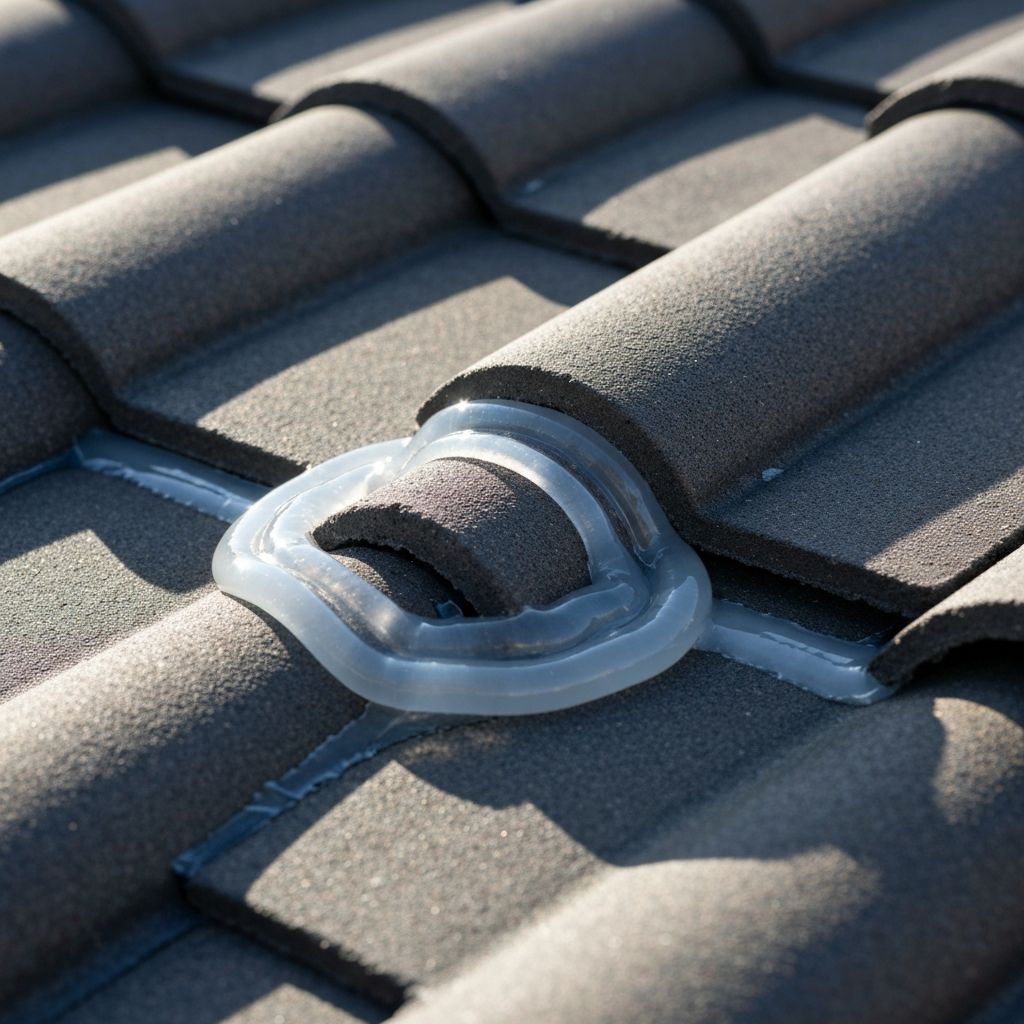
What I check before mounting a dish
The dish needs open sky. Not "mostly open if you squint". Open.
Starlink satellites move across the sky, so a tree that looks off to the side can still cause dropouts. Chimneys, second-storey rooflines, neighbouring trees and big gum trees in the hills can all matter.
On a Perth install, I look at:
- roof type and safe access
- tree line and future growth
- cable path back to the router
- whether the mount needs extra bracing
- wind exposure
- where water will run in heavy rain
- whether the customer wants the router central or hidden
- whether mesh Wi-Fi or extra data cabling is needed inside
The cable route is just as important as the dish. A neat cable run means no ugly loops hanging down the wall, no cracked tiles, no leaks, and no cable getting crushed where it should not be.
What does Starlink installation cost in Perth?
The install cost depends on the roof, mount type, cable route and how awkward the job is.
A simple single-storey install on an easy roof is different from a steep tile roof, a two-storey house, a shed-to-house run, or a hills property where the dish needs a high pole to clear trees.
The fair way to price it is to look at the job properly:
- where the dish needs to go
- what mount will survive the weather
- how the cable gets inside
- whether the router location makes sense
- whether extra Wi-Fi or data work is needed
If someone gives you a cheap flat price without asking any of that, be careful. Cheap roof work gets expensive when water finds its way in.
What speeds should you expect?
Starlink speeds vary by plan, congestion, dish placement and weather. In 2026, residential plans are commonly discussed around 100 Mbps, 200 Mbps and Max tiers, while Roam plans often sit in a broad 65-260 Mbps range depending on conditions.
The main thing is not the top number on a speed test. The main thing is stability.
A clean install with no obstructions will usually feel much better than a messy install that hits a high speed once and then drops every time the dish loses sight of the satellites.
If you are working from home, streaming, gaming, running cameras, or dealing with kids hammering YouTube and Netflix, stability matters more than bragging rights.
My plain advice
If your NBN is good, keep it unless you need backup or travel internet.
If your NBN is bad and you have a clear sky view, Starlink is worth serious consideration.
If you are on a tricky block with trees, a steep roof or a long cable run, get the install looked at properly before you order gear and hope for the best.
I can check the sky view, talk you through the plan options, and quote the install so you know what you are in for before you spend money.
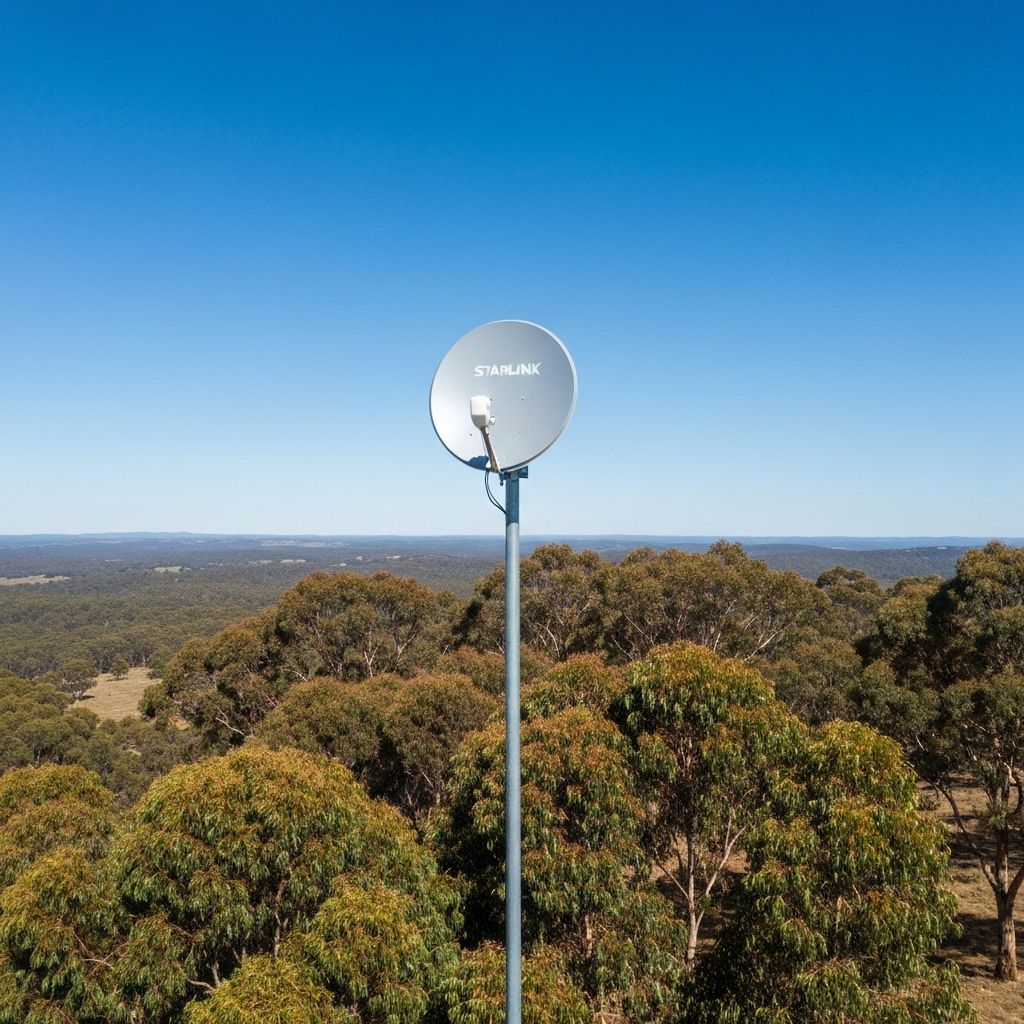
Free Starlink install check and quote
Call or text Andrew at Sky Signal WA — no call centres, just straight answers about your property.
Call 0468 090 090